Documentos Técnicos
Especificações
Brand
StarTech.comProduct Type
KVM Switch
Video Connection Type
HDMI
Number of Ports
4
Supported Number of Displays
2
Number of Video Outputs
2
Maximum Resolution
3840 x 2160 pixel
Keyboard/Mouse Connection Type
USB
Audio Connection Type
3.5 mm Stereo
Depth
130mm
Standards/Approvals
FC, TAA, CE, RoHS
Width
220mm
Height
63mm
País de Origem
Taiwan, Province Of China
Detalhes do produto
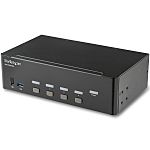
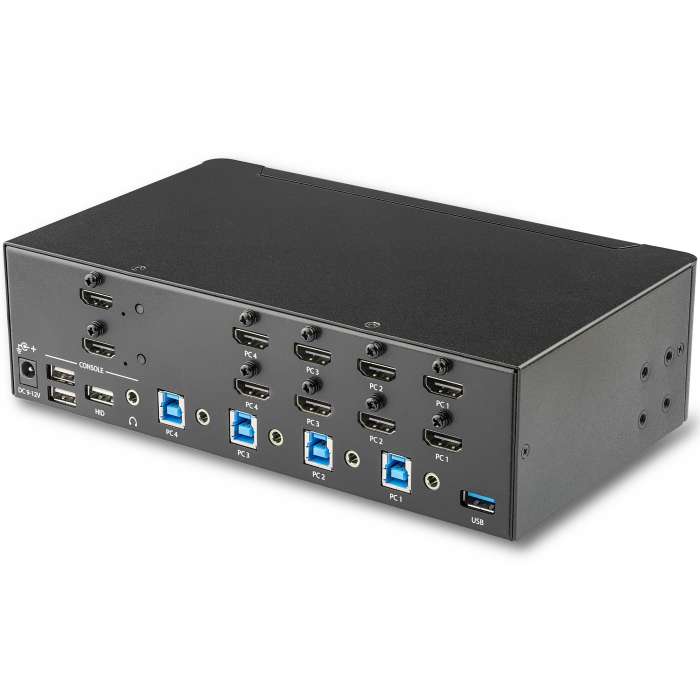
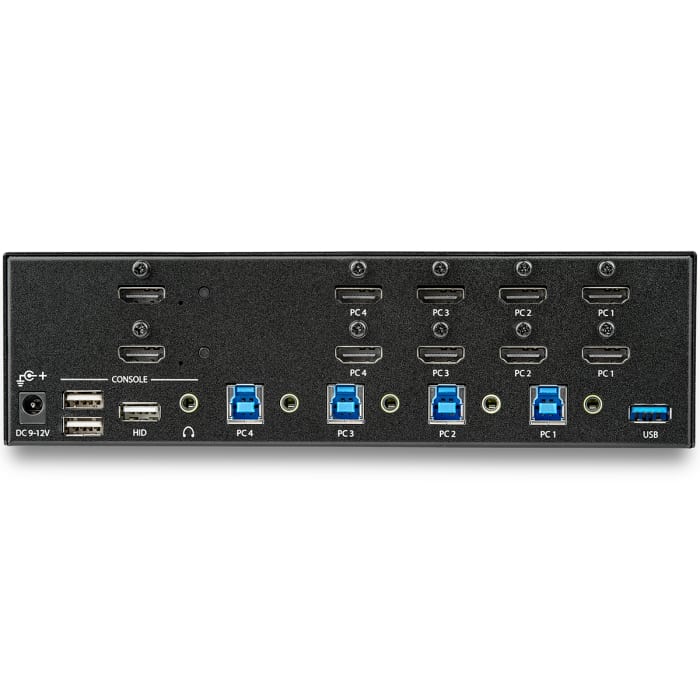
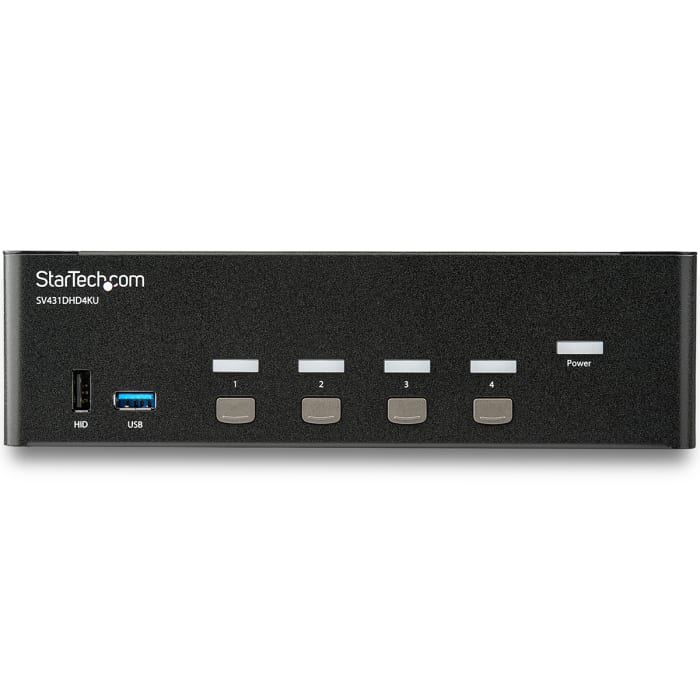
This 4-port HDMI KVM switch lets you control four HDMI computers with a single mouse, keyboard and monitor up to 4K 30Hz. The KVM also features 3.5 mm audio and a built-in 2-port USB 3.0 hub.
4K at 30Hz UHD dual display
With support for ultra-high-definition 4K 30Hz resolutions, this 4-port KVM switch can drive dual HDMI displays with crystal clarity, making it ideal for graphical applications that require UHD capability.
Convenient and cost-effective USB 3.0 peripheral sharing
This 4-port KVM switch offers two USB 3.0 ports, as well as four HID keyboard and mouse ports, so you can share peripheral devices between each computer and avoid the cost of separate equipment. The USB 3.0 hub automatically switches your connected devices to the selected computer, saving you the hassle of disconnecting and reconnecting peripherals.
Complete multimedia capability
Along with dual UHD video capability, this KVM switch features auxiliary 3.5 mm dual-channel bi-directional audio ports. This independent analog audio lets you share your analog audio devices such as speakers or a microphone between each of your connected computers, giving you complete multimedia control of your systems.
The SV431DHD4KU is TAA compliant and backed by a StarTech.com 2-year warranty with free lifetime technical support.
Does the KVM Switch support audio?
Yes, it has a separate 3.2mm aux port.
Can I use any mouse or keyboard with the KVM Switch?
It will depend on the type of mouse or keyboard used. It is advised by the manufacturers to use standard wired104 key keyboards and a standard wired mouse that does not have additional features. This includes wireless, gaming and Apple keyboards.
Informações de estoque temporariamente indisponíveis.
R$ 19.878,90
R$ 19.878,90 Each (Sem VAT)
1
R$ 19.878,90
R$ 19.878,90 Each (Sem VAT)
Informações de estoque temporariamente indisponíveis.
1
Documentos Técnicos
Especificações
Brand
StarTech.comProduct Type
KVM Switch
Video Connection Type
HDMI
Number of Ports
4
Supported Number of Displays
2
Number of Video Outputs
2
Maximum Resolution
3840 x 2160 pixel
Keyboard/Mouse Connection Type
USB
Audio Connection Type
3.5 mm Stereo
Depth
130mm
Standards/Approvals
FC, TAA, CE, RoHS
Width
220mm
Height
63mm
País de Origem
Taiwan, Province Of China
Detalhes do produto
This 4-port HDMI KVM switch lets you control four HDMI computers with a single mouse, keyboard and monitor up to 4K 30Hz. The KVM also features 3.5 mm audio and a built-in 2-port USB 3.0 hub.
4K at 30Hz UHD dual display
With support for ultra-high-definition 4K 30Hz resolutions, this 4-port KVM switch can drive dual HDMI displays with crystal clarity, making it ideal for graphical applications that require UHD capability.
Convenient and cost-effective USB 3.0 peripheral sharing
This 4-port KVM switch offers two USB 3.0 ports, as well as four HID keyboard and mouse ports, so you can share peripheral devices between each computer and avoid the cost of separate equipment. The USB 3.0 hub automatically switches your connected devices to the selected computer, saving you the hassle of disconnecting and reconnecting peripherals.
Complete multimedia capability
Along with dual UHD video capability, this KVM switch features auxiliary 3.5 mm dual-channel bi-directional audio ports. This independent analog audio lets you share your analog audio devices such as speakers or a microphone between each of your connected computers, giving you complete multimedia control of your systems.
The SV431DHD4KU is TAA compliant and backed by a StarTech.com 2-year warranty with free lifetime technical support.
Does the KVM Switch support audio?
Yes, it has a separate 3.2mm aux port.
Can I use any mouse or keyboard with the KVM Switch?
It will depend on the type of mouse or keyboard used. It is advised by the manufacturers to use standard wired104 key keyboards and a standard wired mouse that does not have additional features. This includes wireless, gaming and Apple keyboards.